
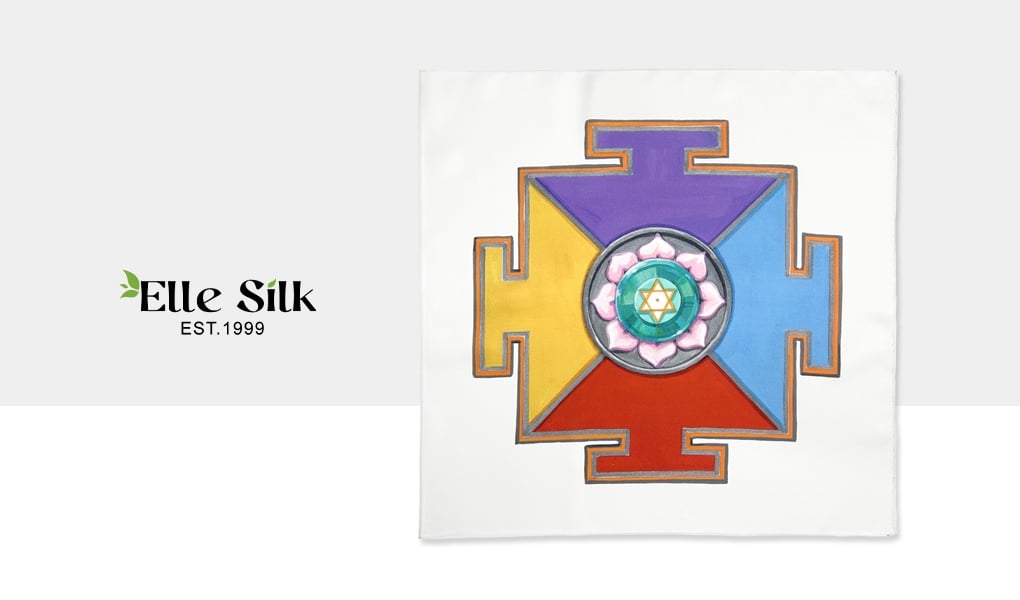
When ordering custom silk scarves from ElleSilk, one of the most common issues we see is this: Customers upload an image – but it’s not ready for printing.
A small, blurry, or compressed image may look fine on your screen, but when printed on silk, it will lose detail and appear pixelated.
This guide explains exactly what kind of file you need, how to check image quality, and what to do if your file isn’t ready yet.
What Kind of File Do You Need for Silk Scarf Printing?
For custom silk scarf printing, you need a print-ready design file.
That means:
- The artwork is already complete
- The layout matches your scarf design
- The resolution is high enough for printing
- What you see is what will be printed
We accept:
- JPG / PNG
- PSD
- AI
If your file meets these requirements, we can print it directly.
Why Most Images Don’t Work for Printing
Many customers send:
- Screenshots
- Images from websites
- Small photos from phones
These files are usually:
- Too small in pixel size
- Compressed
- Not designed for large-format printing
Even if the image looks clear on your phone or laptop, it may not hold up when enlarged to scarf size.
How to Check If Your Image Is High Resolution
The only way to know if your file will print well is to check it at the actual size.
Here’s the simplest method using Adobe Photoshop:
- Open your image
- Go to Image Size
- Set the dimensions to your scarf size (for example, 90cm × 90cm)
- Set resolution to 300 DPI
- View the image at 100% zoom
At 100% zoom:
- If it looks sharp → it will print well
- If it looks blurry → the final product will also be blurry
This is the most reliable way to preview your final result.
What Is DPI and Why Does 300 DPI Matter?
DPI (dots per inch) describes how much detail is printed.
For custom silk scarves, 300 DPI is the standard because it produces:
- Sharp edges
- Clear lines
- High-end print quality
Lower DPI (like 72 DPI) may look fine on screens, but not in print.
Pixel Size Matters More Than You Think
DPI alone is not enough – you also need enough pixels.
For example:
- A 90cm (35-inch) scarf requires roughly 10,000 × 10,000 pixels
If your image is smaller than that, it will lose quality when enlarged.
What Our Preview Service Does
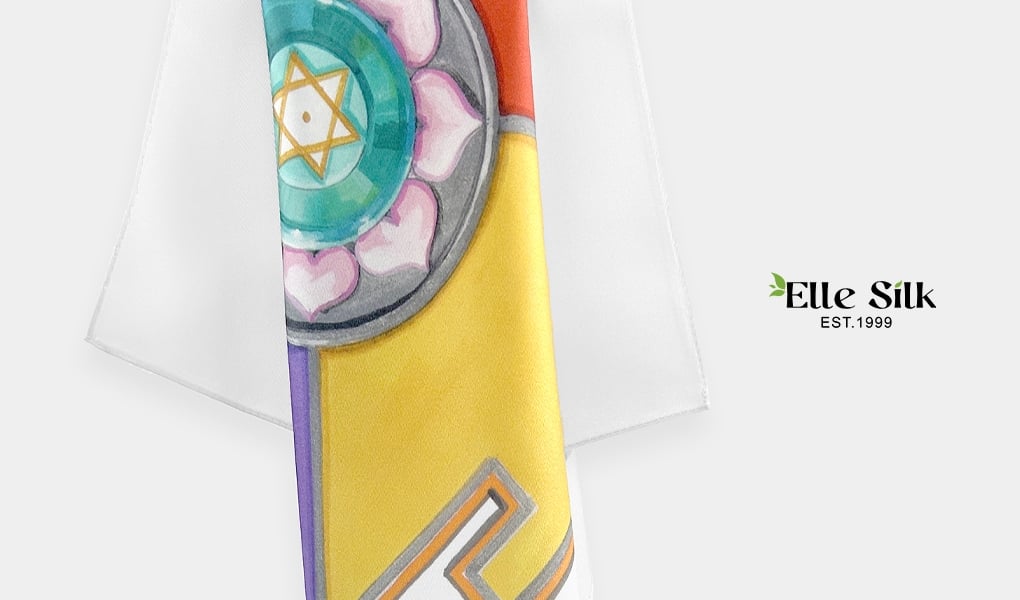
ElleSilk’s preview service helps you visualize your final scarf.
We:
- Add rolled hem edges
- Show how your design fits the scarf
- Provide a realistic preview before production
This service does not redesign or enhance your image – it simply prepares it for visualization.
Don’t Have a High-Resolution File? You Still Have Options
If your file isn’t ready, you can still order.
Option 1: Use AI to Enhance Your Image
You can use AI tools to:
- Upscale your image
- Improve clarity
This is the fastest solution, but you should always:
- Check fine details
- Make sure lines remain clean
- Avoid distortion or artifacts
Option 2: Use ElleSilk’s Design Service
If your image is:
- Low resolution
- Not properly formatted
- Just a concept or reference
Our design team can:
- Recreate your artwork
- Adjust layout for scarf printing
- Deliver a print-ready design file
Just send us your ideas and materials – we’ll handle the rest.
If you’re not sure whether your file is ready, just send it to ElleSilk – we’re happy to check it for you and guide you through the next step.